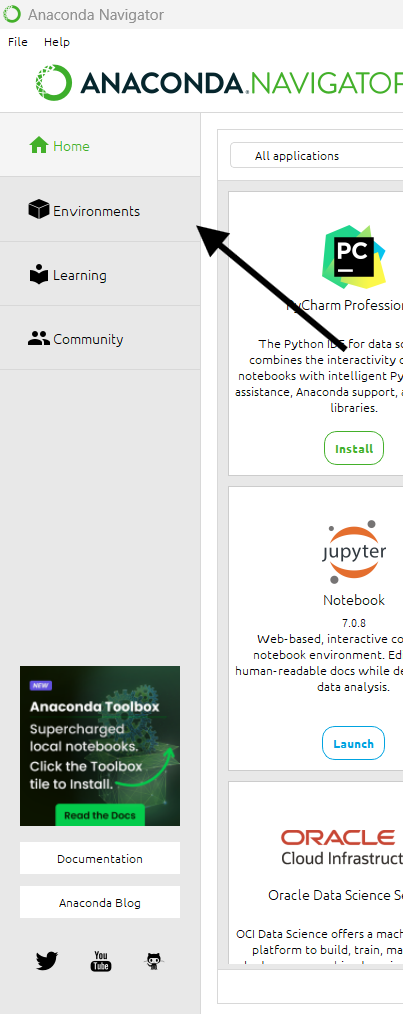
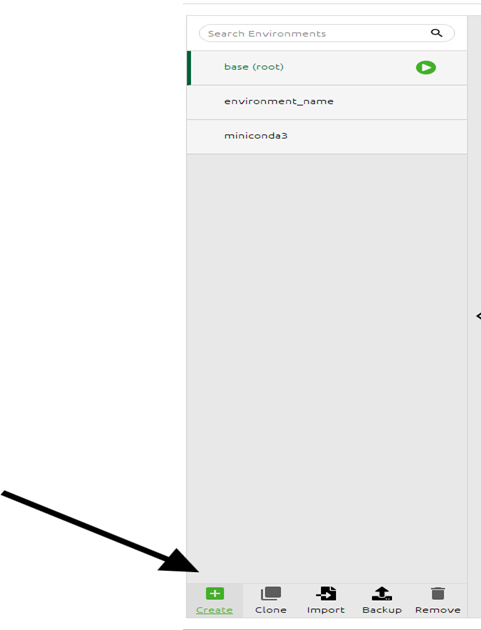
Anaconda Navigator is a graphical user interface that allows you to launch, download, and manage Conda packages and environments.
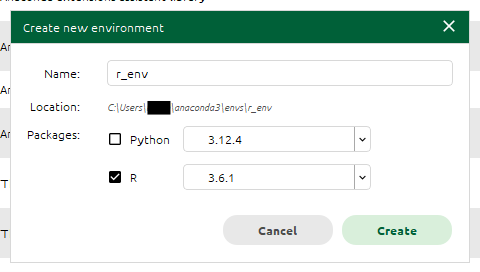
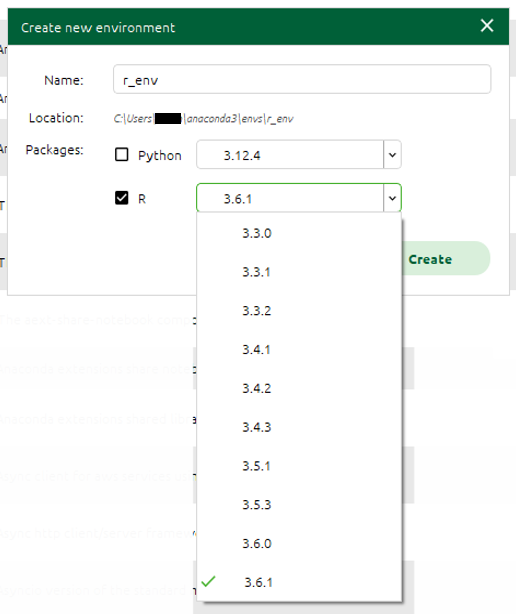
It is part of the Anaconda distribution, an open-source Python and R distribution, and can be used to install and manage R packages.
This article will cover how to install R using Anaconda Navigator.
Hey there! We use third-party cookies to improve your experience on our website. By clicking ‘Accept’, you're permitting us to use cookies for analytics and site improvement.
Don't worry; your privacy matters to us! If you're uncomfortable with cookies, you can always click ‘Decline’ and enjoy browsing our content. Alternatively, you can revoke any
previous cookie preference by clicking 'Revoke'.
For more information, check our cookie policy and our privacy policy.